COMPARISONS / JOPLIN
Both applications can support serious personal notes. The useful comparison is how you capture, organise and recover information—not which screenshot looks more impressive.
Prefer the workflow you can retrieve from consistently; test a small collection in both before migrating.
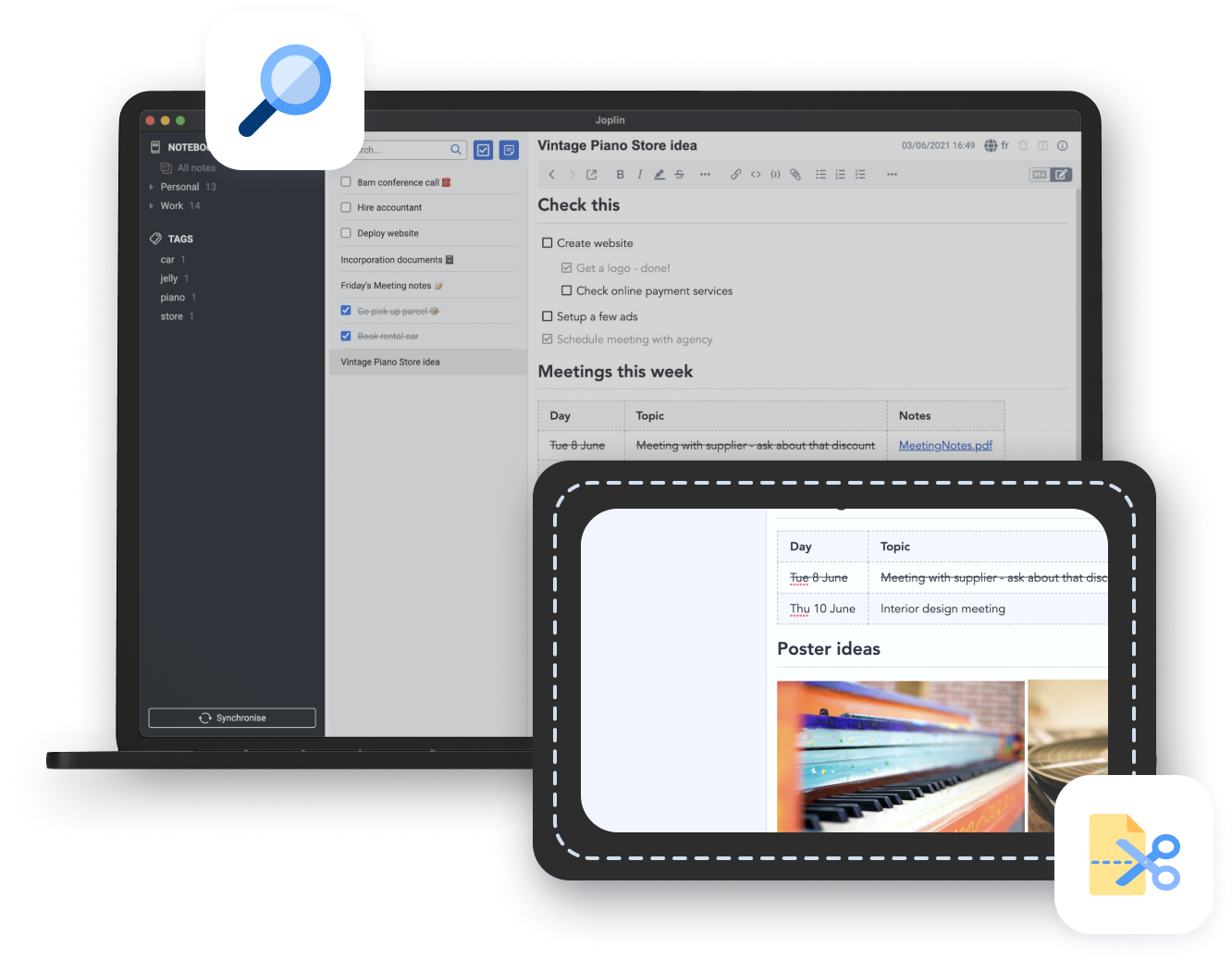
Compare the same small collection
Use ten non-sensitive notes containing the same mixture of text, links and attachments. Keep the evaluation bounded so migration effort does not decide the winner prematurely. Joplin emphasises a notebook-oriented application with synchronisation options; Obsidian centres on local Markdown files and links. These are starting models, not claims that either tool is incapable of other approaches. Notice which model you understand without constructing workarounds.
Test tomorrow’s retrieval
After creating the sample, close the applications and return with a concrete question. Find the reservation detail, the reason for a decision or the source behind an idea. Count unnecessary steps informally and record where you became confused. You do not need a laboratory score. The better choice is often the one that matches how you remember information, rather than the one with more elaborate organisation tools.
Compare the whole workflow cost
Write down the devices you need, the intended sync method and any paid services required for your preferred setup. Compare current official terms instead of relying on a remembered price. Add migration, backup and maintenance effort to the cost. A free download does not mean every possible supporting service is free, and a subscription does not automatically remove your responsibility to keep a recovery copy.
A decision you can reverse
Export the sample and inspect it outside the application before choosing. Keep the original collection intact until the new workflow has proved understandable. If both work well, choose the simpler setup and defer optional extensions. The point of this comparison is not to announce a universal winner. It is to make your own criteria explicit enough that a change of tool remains a manageable decision.