NOTE-TAKING / OBSIDIAN
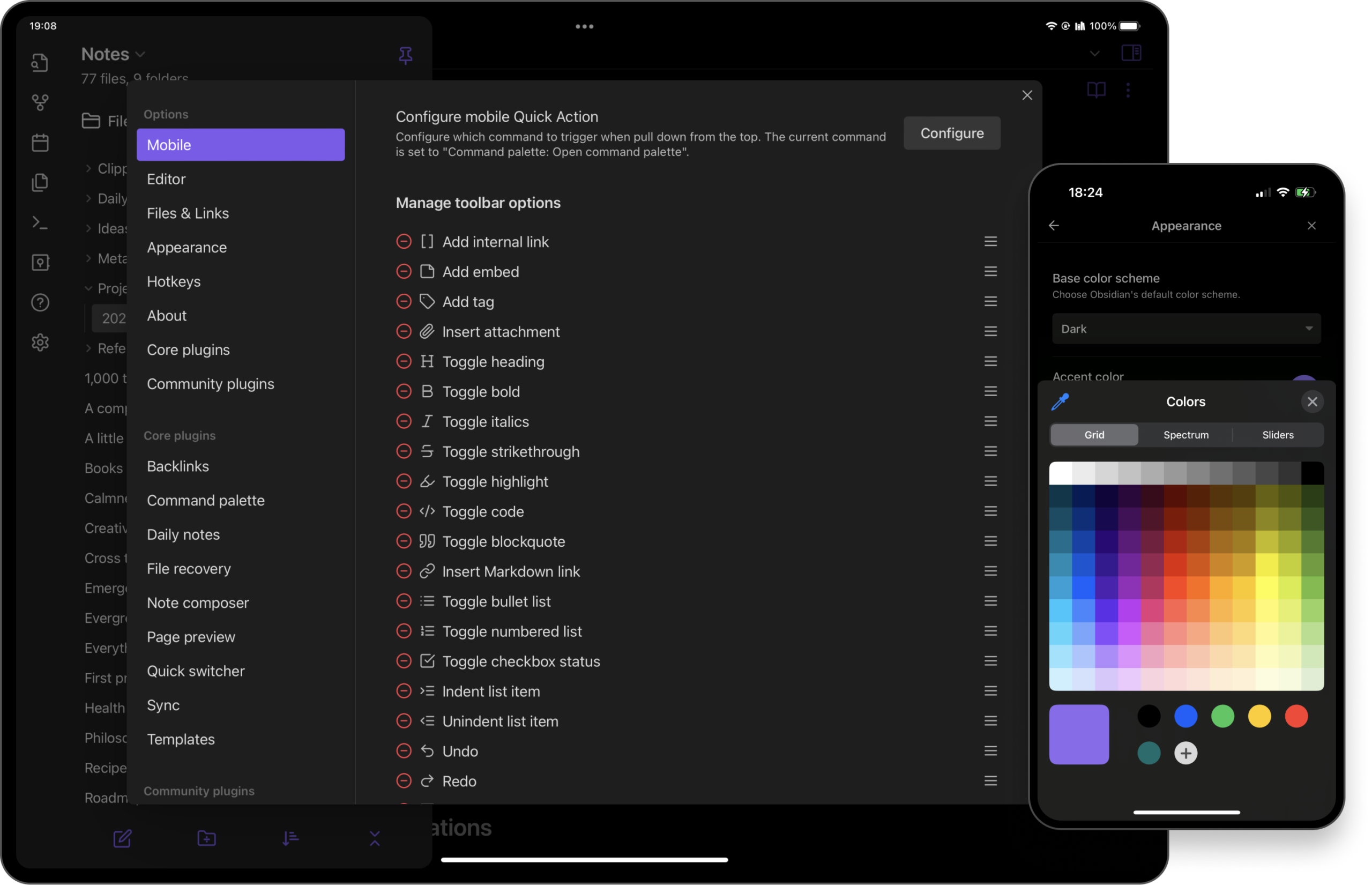
A good desktop notes system can become awkward on a phone. Obsidian’s mobile offering deserves a separate evaluation focused on capture, navigation and the size of your existing system.
Judge the mobile capture path independently from your desktop setup.
A small screen changes the task
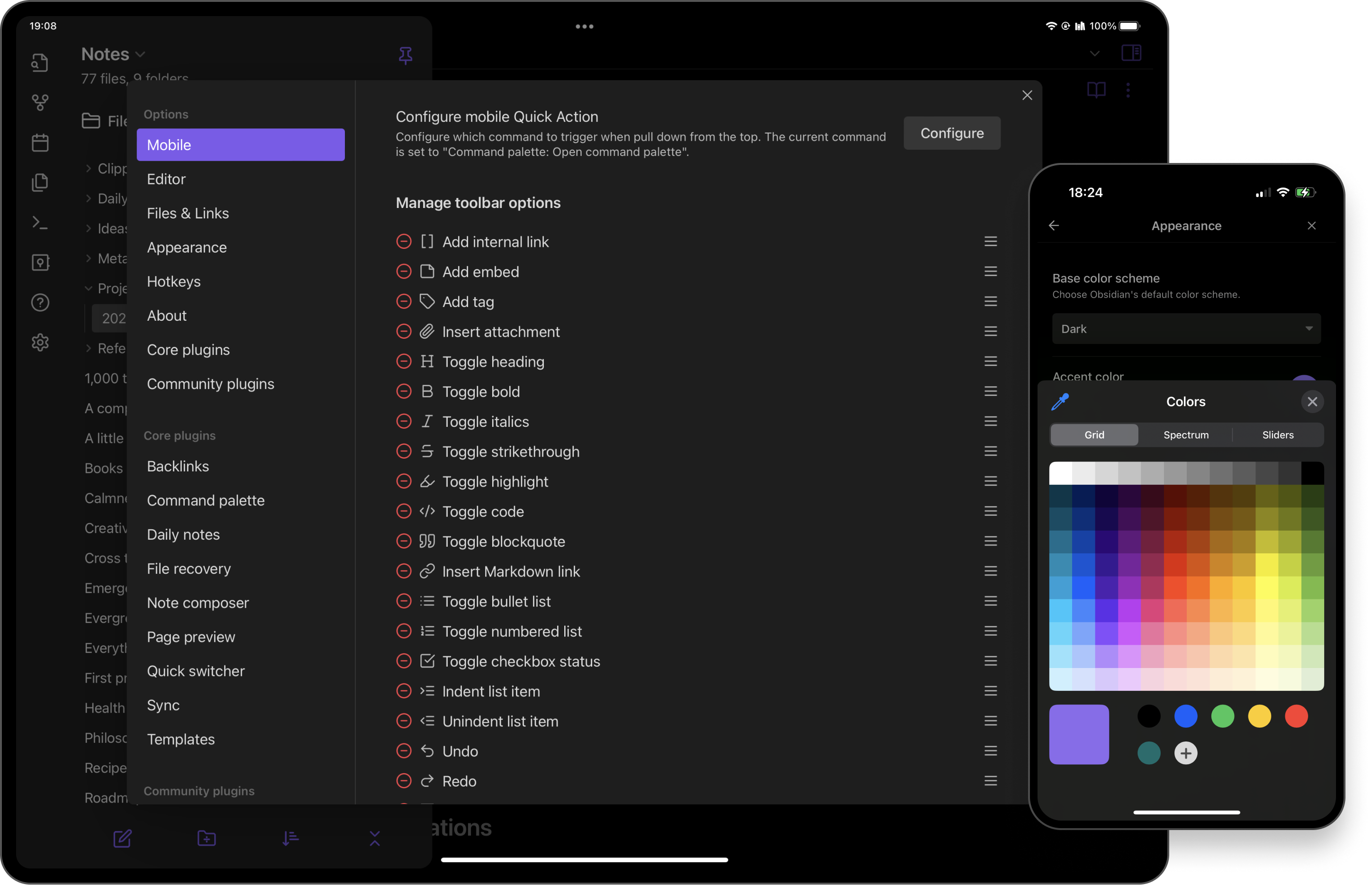
Obsidian is available on Android and iOS. That availability does not prove your particular vault will feel comfortable on a phone. Decide whether the mobile job is quick capture, reading references or longer editing. A workflow optimised for keyboard shortcuts and several panes may be unnecessary friction when you simply need to save a thought before it disappears.
Try the shortest useful route
Create a plain inbox note and add a short item using only the controls you would reach for naturally. Then find an older note and add a link to it. These two exercises reveal more about mobile fit than a showcase dashboard. If reaching your writing space requires several navigation decisions, simplify the mobile starting point instead of recreating the entire desktop workspace.
Treat attachments as a separate choice
A collection containing large images and documents can behave differently from a few text files. Decide which supporting material genuinely needs to be available on the phone. Check your chosen sync service and the available storage before migrating. Do not interpret successful text synchronisation as proof that all attachments have arrived. Open representative items on the destination device while you still have access to the original.
Keep the first week modest
Begin with core features and a small working collection. Add mobile-compatible extensions only after identifying a repeated obstacle, and retain a recoverable original copy. This is a documented-feature assessment rather than a battery or performance test. Choose the app when its mobile path supports your actual habits, even if that means a simpler interface than the one you enjoy on a larger screen.